Recording a payment you received another way
Record a check, cash or bank transfer against an invoice so balances, reminders and the client portal stay right, and void a payment recorded by mistake.
Online payments through Stripe record themselves. When a client pays you directly, by check, cash or bank transfer, record it so the invoice, the booking and the client portal show the right balance and reminders stop.
Record a payment
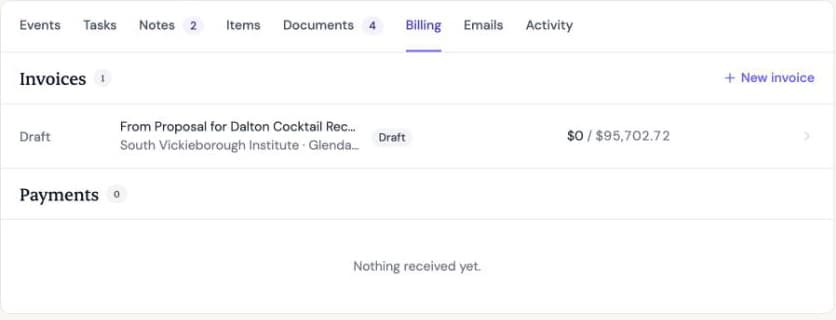
- Open the invoice and click Record payment, or on the booking's Billing tab click Mark paid beside the payment due (or Record payment above the list of payments).
- Under For, choose which payment due it pays. The Amount fills in with what's still owed on it.
- Change the amount if the client paid a different sum.
- Choose the Method: Check, Bank transfer, Card, Cash or Other.
- Set Received on to the day the money came in.
- Add a Note, such as a check number or reference.
- Leave Email the client a receipt ticked to send one, or untick it.
- Click Record payment.
If you enter more than is owed on that payment, the window warns you and the rest goes to the next payment due. When payments cover the total, the invoice is marked Paid.
Void a payment recorded by mistake
Owners and admins can void a payment recorded by hand: click the × beside it on the invoice or the booking's Billing tab, then Void payment. It stops counting as paid but stays on the record, marked Void, with who voided it. The invoice reopens if it's no longer covered.
Online payments can't be voided here. Refund them in your Stripe Dashboard and the refund shows up in Spacestack by itself.
Common questions
Can I record a payment on a draft invoice?
No. Payments can only be recorded on an issued invoice. Send it first.
Does the client see payments I record?
Yes. They show in the Received list on the booking in the client portal, and on the invoice itself while Show payment history is on.
I recorded a payment with the Card method and can't void it. Why?
The void button isn't shown for payments with the Card method. Contact support if you need one removed.
Was this article helpful?